After a Valorant patch: your cheat update checklist
Updates: Valorant Cheats
A Valorant update just landed. Here's what to check before launching your tools so you don't waste time or take unnecessary risks.
Why patch day matters
Every Valorant patch can change game files, and Vanguard updates often ship alongside them. A cheat that worked yesterday may be outdated today. Launching too early is the most common avoidable mistake.
Your patch-day checklist
- Let Valorant and Vanguard finish updating fully, then restart your PC.
- Check the product status page or announcement channel for a “working / updating” notice.
- Download the latest loader build only from your account dashboard.
- Confirm that Windows security settings haven’t been reset by a Windows Update.
- Launch in a low-stakes mode (Deathmatch or a custom game) before ranked.
Ready to try it? See Valorant plans
How long do updates take?
Minor patches are often handled quickly; large updates or Vanguard changes can take longer. We recommend waiting for an explicit status confirmation instead of guessing.
What to do if status says “updating”
Don’t launch. Don’t reinstall random files. Check the forum thread for the update and wait for the all-clear announcement.
If you’ve already launched and something looks wrong
Close the game, don’t retry repeatedly, and read Valorant cheat loader not working? Fixes for the usual problems.
Next step
Subscribers get status notices first on the forum. Not a member yet? See Valorant cheats monthly vs lifetime.
Related articles
Valorant cheat loader not working? Fixes for the usual problems
Loader won't open, menu won't show, or the game crashes? Work through these fixes before opening a ticket.
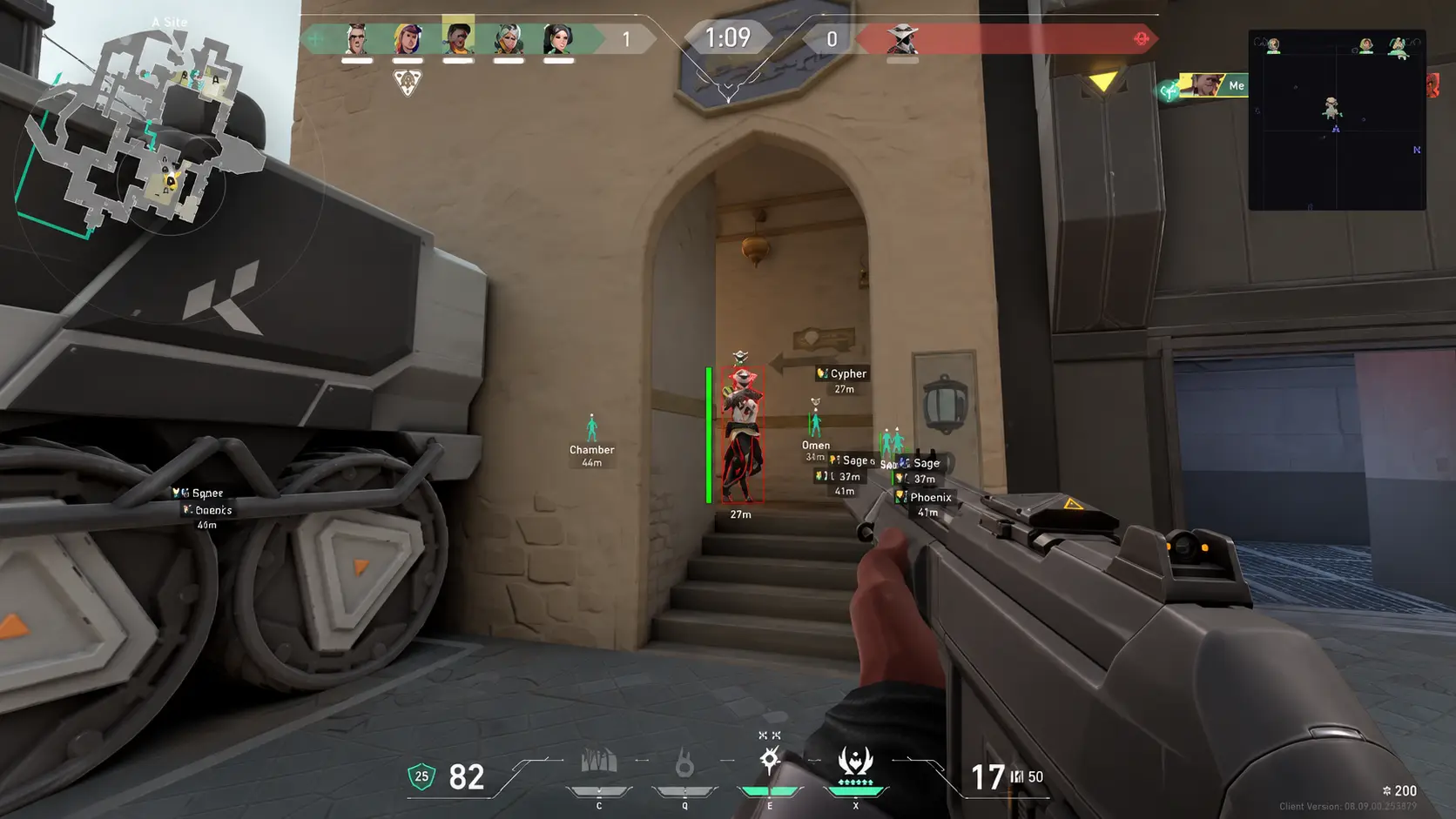
Risk and ban exposure: an honest Valorant cheats safety guide
No tool is risk-free. Here's what raises or lowers your chances of trouble in Valorant, what we can't promise, and why free downloads are a bad bet.
Valorant cheat system requirements: TPM 2.0, Secure Boot and Vanguard
Before you buy, check these Windows settings. Here's how to verify TPM 2.0, Secure Boot and your Windows version for Valorant on Windows 10 and 11.
Using third-party software in online games violates the game's terms of service and can result in account or hardware bans. No tool is risk-free and we cannot guarantee outcomes. Use at your own risk.